To follow these instructions you must have jailbroken your device with PwnageTool, RedSn0w, or Blackra1n. Step One Tap to launch Cydia from your SpringBoard. 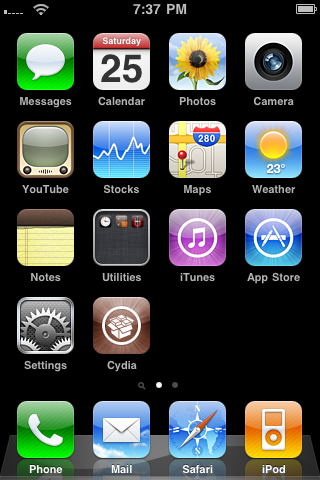 Step Two Press to select the Manage tab from the bottom of your screen. 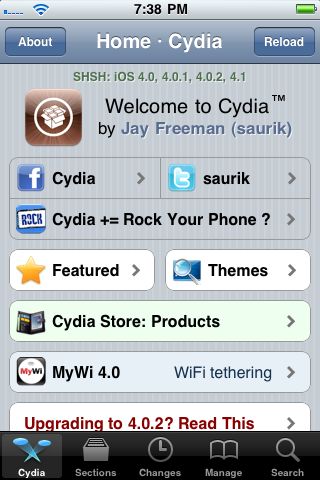 Step Three Tap the large Sources button. 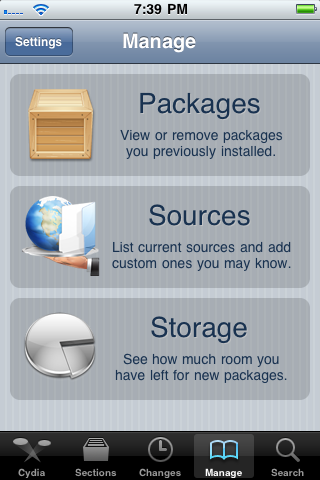 Step Four Press the Edit button at the top right of the screen. 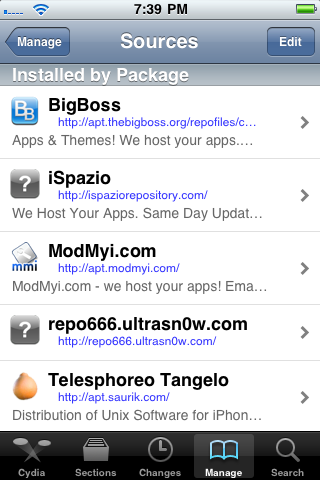 Step Five Press the Add button that appears. 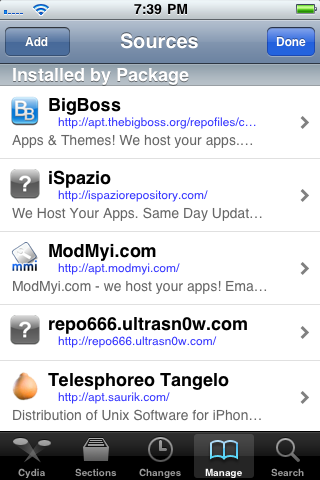 Step Six Input http://repo.neonkoala.co.uk then press the Add Source button. 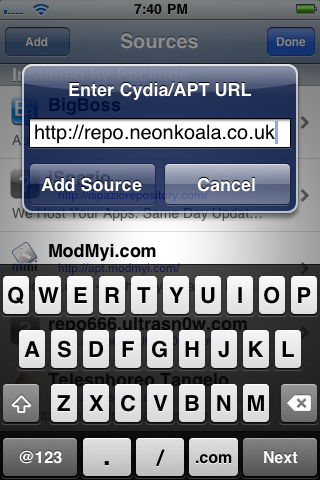 Step Seven Press the large Return to Cydia button.  Step Eight Tap the Done button. 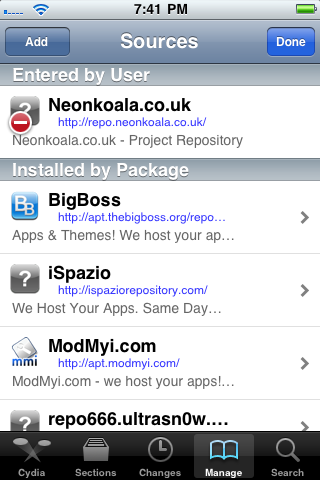 Step Nine Press to select Neonkoala from the list of sources 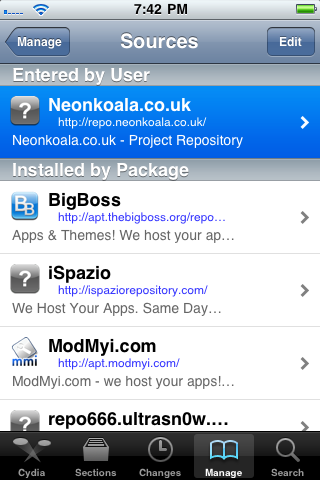 Step Ten Tap to select Bootlace from the list of packages. 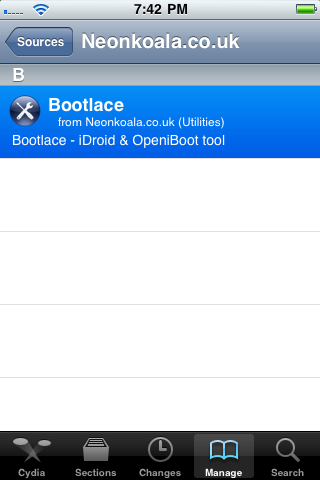 Step Eleven Press the Install button at the top right of the screen. 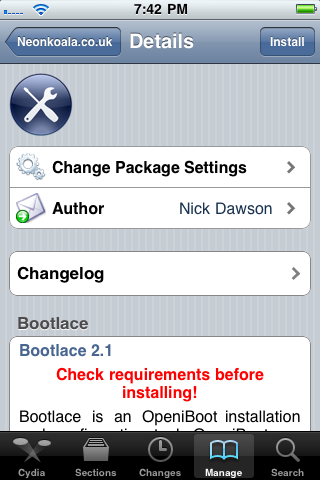 Step Twelve Press Confirm to begin installation. 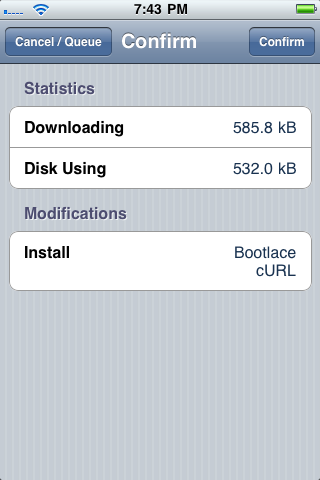 Step Thirteen Once the installation has completed press the large Return to Cydia button. 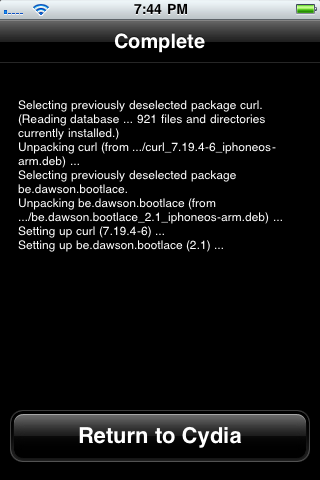 Step Fourteen Press the Home button then tap the new Bootlace icon on the SpringBoard. 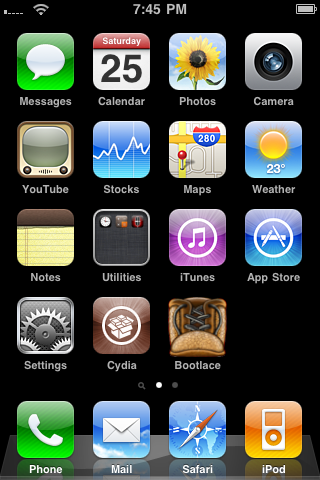 Step Fifteen Bootlace will now download the kernel and patch it. 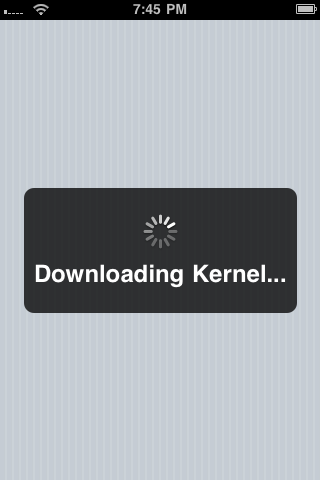 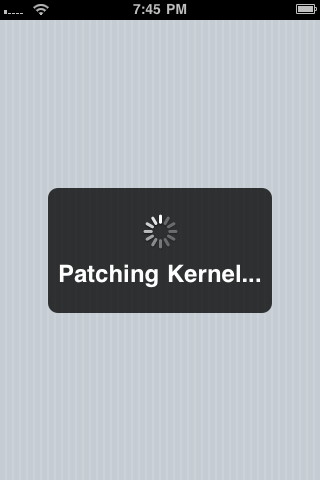 Step Sixteen Once finished click the Reboot button to reboot your device. 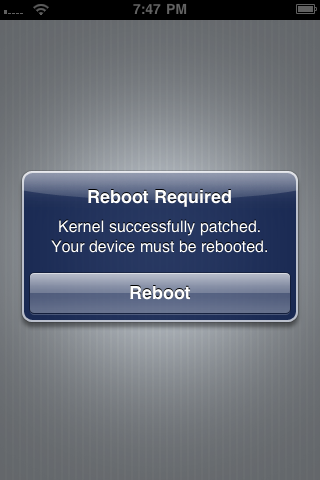 Step Seventeen Tap the Bootlace icon on your SpringBoard. Press OK to close the welcome alert. 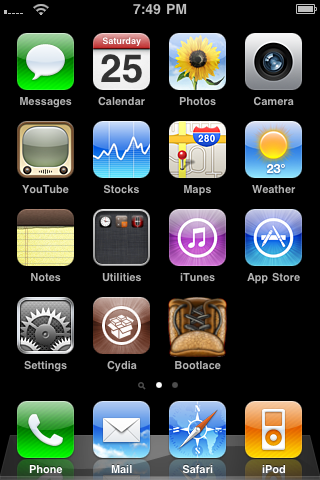 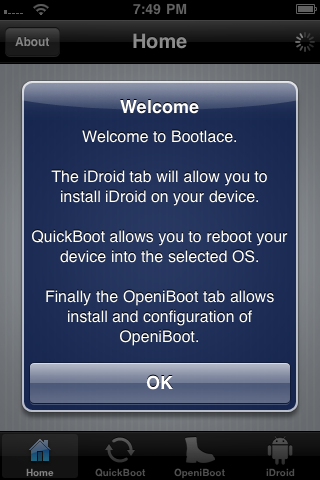 Step Eighteen Press to select iDroid from the tabs at the bottom of the screen then press the Install button. 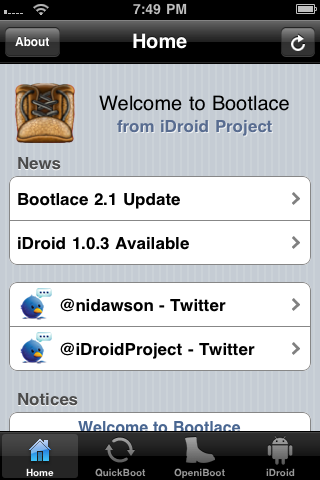 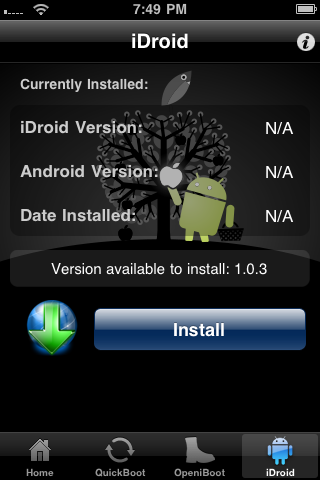 Step Nineteen Press the OK to have Bootlace download and install Android. 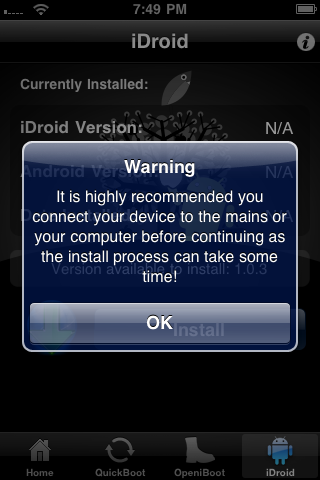 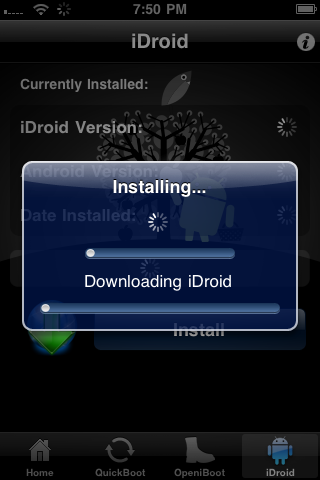 Step Twenty Once Android installation has completed, tap to select the OpeniBoot tab and press the Installbutton.  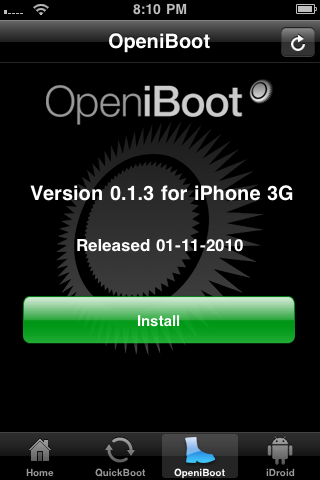 Step Twenty One Once installation completes successfully press the Configure button. 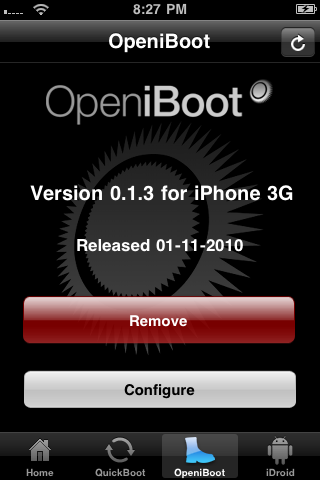 Step Twenty Two Here you can select your default boot operating system along with other boot options. Press theSave button when done. 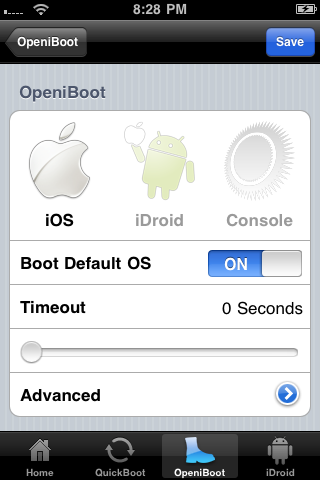 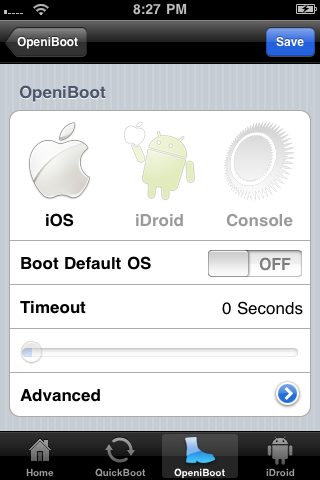 ***The release was made possible by the hard work of CPICH and Patrick Wildt (Bluerise). |
*thanks iclarified*
Our new Forum is now open here or on the top tabs marks Forums, please register and post..
For the latest tech stories, follow us on Twitter at
@iphonepixelpost or @limerain_com
www.iPodSets.com
- Posted using my iPhone 4


No comments:
Post a Comment